

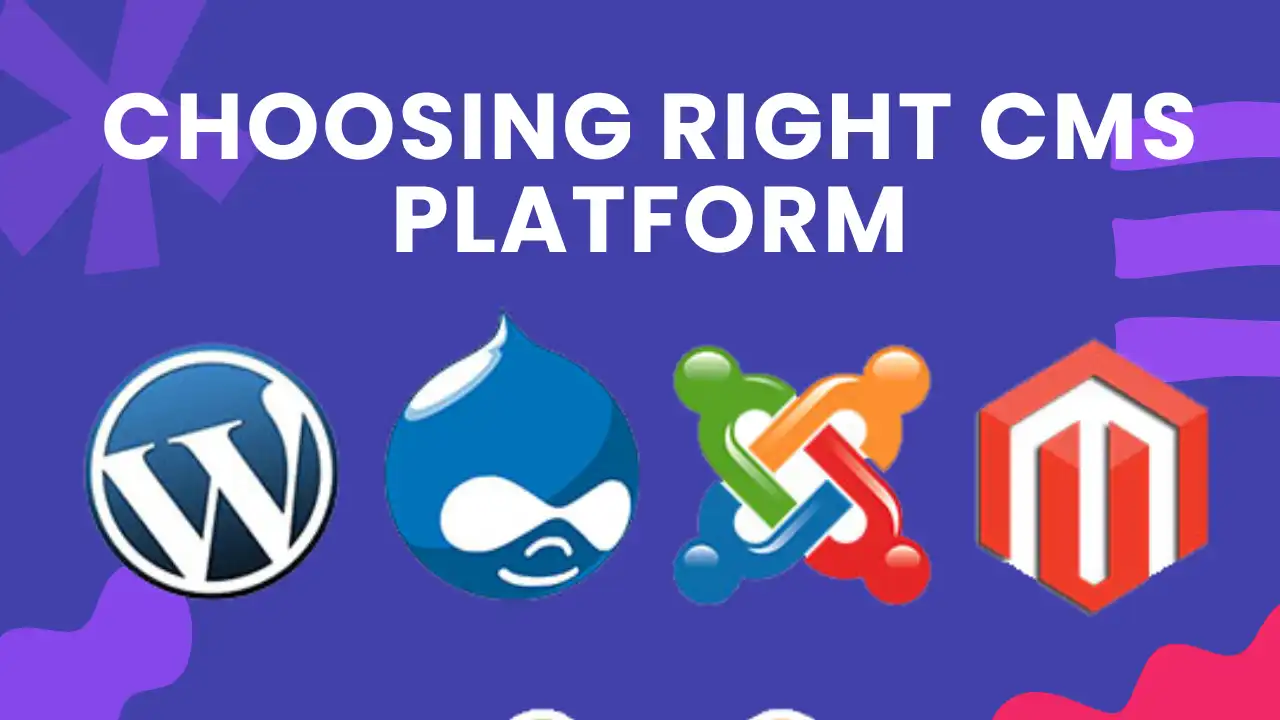
Why Choosing the Right CMS Matters for Start-Ups
Choosing the right Content Management System (CMS) is one of the most critical early decisions for a start-up. Your CMS doesn’t just control how your website looks — it affects SEO, speed, scalability, security, and long-term growth costs.
At wpfixs.com, we work daily with WordPress sites, CMS-driven platforms, and performance-focused setups for early-stage businesses. Based on real implementation experience, platform limitations we’ve seen in production, and how Google actually evaluates CMS-based sites today, this guide breaks down 10 practical, non-theoretical tips to help start-ups choose the right CMS in 2026.
TL;DR:
The best CMS for a start-up is one that balances ease of use, SEO control, scalability, security, and predictable costs — without locking you into technical debt too early.
Be Involved in the CMS Decision (Don’t Fully Outsource It)
For start-ups, it’s tempting to leave CMS decisions to developers or agencies. That’s a mistake.
Your CMS affects:
- How fast can you publish content
- How easily you can optimize for SEO
- How expensive future changes become
Even if you don’t make the final technical call, you must understand the trade-offs. Take input from your team, but ensure the CMS aligns with your business goals, not just developer convenience. If you want to check WordPress vs other CMS check out our other post.
Verify Hosting and Server Compatibility Early
Not all CMS platforms work equally well on all hosting environments.
Before choosing a CMS, confirm:
- Server requirements (PHP, database type, memory limits)
- Hosting scalability options
- CDN and caching compatibility
Many start-ups fail here by choosing a CMS that technically “works” but performs poorly on affordable hosting — leading to slow sites and SEO problems.
Prioritize Built-In Backup and Recovery Options
Start-ups grow fast — and mistakes happen.
A good CMS should offer:
- Automated backups
- Easy restore points
- Compatibility with external backup tools
Data loss is not just a technical issue — it’s a business risk. CMS platforms that simplify backups save time, money, and stress as your site scales.
Choose a CMS With a Flexible, Beginner-Friendly Editor
Your CMS editor will be used daily — often by non-technical team members.
Look for:
- Visual or block-based editing
- Easy page creation and updates
- Media management without plugins overload
A flexible editor allows start-ups to launch landing pages, update content, and test ideas without developer dependency, which is critical in early growth stages.
Ensure Strong SEO Control (Not Just “SEO-Friendly” Claims)
Many CMS platforms claim to be SEO-friendly — few truly are.
Your CMS should allow:
- Full control over titles, meta descriptions, and URLs
- Clean HTML structure (H1–H6, schema support)
- Image alt text and internal linking control
- Easy integration with SEO tools
If SEO is part of your growth strategy (and it should be), your CMS must support modern SEO, not fight it.
Support Native Social Media Integration
Social media isn’t optional for start-ups — it’s a growth channel.
A good CMS should:
- Integrate social sharing natively or easily
- Support Open Graph and Twitter Card metadata
- Allow clean previews on social platforms
This improves brand visibility, click-through rates, and content distribution without extra technical overhead.
Allow Easy Integration With Analytics and Tracking Tools
Data drives smart decisions.
Your CMS should seamlessly integrate with:
- Google Analytics / GA4
- Google Search Console
- Conversion tracking tools
- Lead generation platforms
If analytics setup requires heavy customization, it slows down iteration and makes growth harder to measure.
Take Security Seriously From Day One
Security issues hurt start-ups more than established brands.
Your CMS should offer:
- Regular security updates
- Automated patching
- Compatibility with security plugins or services
- Role-based user access
A secure CMS protects your reputation, data, and customer trust — all of which are fragile in early stages.
Think Carefully Before Choosing a Fully Self-Hosted CMS
Self-hosted CMS platforms offer control — but also responsibility.
They’re best if:
- You have technical expertise in-house
- You can manage updates, security, and backups
- You’re prepared for maintenance overhead
If not, a poorly managed self-hosted CMS can become a liability rather than an asset.
Evaluate the Total Cost of Ownership, Not Just Entry Cost
Many start-ups focus only on upfront costs — a costly mistake.
Consider:
- Hosting costs as traffic grows
- Plugin or extension fees
- Developer dependency
- Migration difficulty later
The right CMS offers predictable scaling costs, not surprise expenses when your business grows.
Final Verdict: How Start-Ups Should Choose a CMS
There is no “one-size-fits-all” CMS for start-ups. The right choice depends on:
- Business model
- Growth plans
- SEO strategy
- Technical resources
- Budget predictability
The smartest approach is to choose a CMS that gives you control today and flexibility tomorrow, without locking you into complexity too early.