

A delay of just a few seconds can cost you real visitors.
Not hypothetically. Not eventually. Immediately.
Most website owners assume their traffic problems are related to content, marketing, or SEO keywords. In reality, speed is often the silent issue working against them. Visitors click, wait, and leave. Search engines crawl, measure performance, and adjust rankings accordingly.
In a web environment where everything is expected to be instant, slow loading times quietly push users away. Many people do not complain. They simply open another tab.
This guide explains how to optimize WordPress website speed in a way that works in the real world. Not theory. Not shortcuts. Not empty promises. Just the systems, decisions, and optimizations that actually make WordPress faster without breaking it.
Why WordPress Website Speed Matters More Than Ever
Speed affects more than user patience.
Search engines use performance signals to evaluate page quality. Mobile users abandon slow sites faster than desktop users. Conversion rates drop as load time increases. Even your ability to retain returning visitors is tied to how quickly pages respond.
Speed is no longer a technical detail. It is a business factor.
When a WordPress site feels slow, the issue is rarely a single problem. It is usually the result of multiple small inefficiencies working together. Fixing speed requires understanding how WordPress loads pages and where delays are introduced.
How WordPress Loads a Page (Simplified but Important)
When someone visits a WordPress website, the system does not simply display a static page. WordPress runs PHP code, queries the database, processes the theme, loads plugins, and assembles the final output before anything appears in the browser.
Each step adds time.
Themes add complexity. Plugins add logic. Images add weight. External scripts add delays. Hosting adds limitations.
Optimizing speed means reducing the amount of work WordPress has to do for every visit.
Common Reasons WordPress Websites Become Slow
WordPress itself is not slow by default. Performance problems usually come from how it is configured and extended.
Heavy themes often load unnecessary assets across every page. Too many plugins duplicate functionality or load scripts globally. Large images are uploaded without optimization. JavaScript and CSS files block rendering. Hosting environments struggle under load.
Individually, these issues may seem small. Together, they compound.
Speed optimization works best when you address the system as a whole instead of chasing a single fix.
How to Optimize WordPress Website Speed Using Plugins (The Right Way)
Plugins are one of WordPress’s greatest strengths, but also one of its biggest risks when misused.
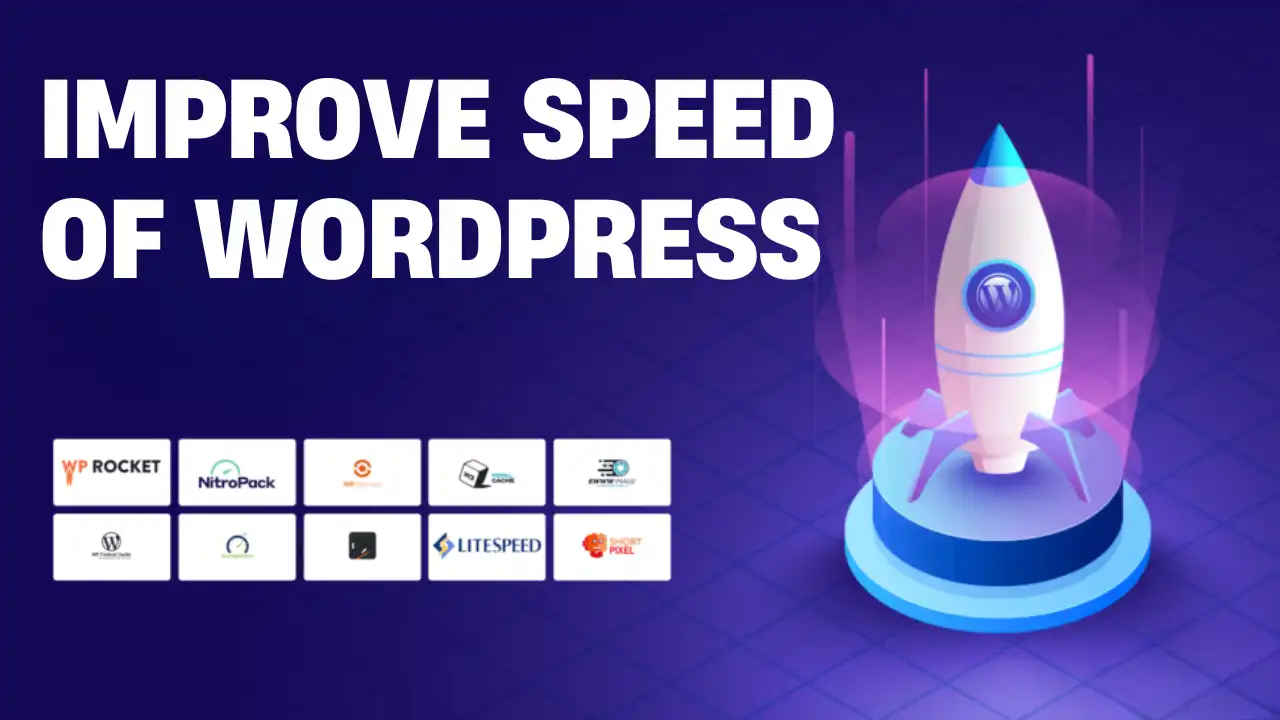
Performance plugins do not magically make a site fast. They reduce workload. They cache results. They optimize how assets are delivered. When chosen carefully, they can dramatically improve speed without requiring code changes.
The key is using plugins with clear intent, not stacking everything that promises performance.
Caching: Reducing Repeated Work
Caching is the foundation of WordPress speed optimization.
By default, WordPress generates pages dynamically for every visitor. Caching stores a pre-generated version of a page so it can be delivered instantly without repeating database queries and PHP execution.
A proper caching setup reduces server load and improves time to first byte.
Caching plugins work best when they are the only caching layer in use. Combining multiple cache plugins often causes conflicts, inconsistent behavior, and broken pages.
Caching should be configured carefully, tested thoroughly, and kept simple.
Asset Optimization: Handling CSS and JavaScript Properly
Modern WordPress sites rely heavily on CSS and JavaScript. These files control layout, animations, and interactive features, but they are also a common source of delays.
Poorly optimized assets block rendering. Pages wait until scripts load before displaying content. This hurts both perceived speed and Core Web Vitals.
Asset optimization plugins reduce file size, control loading order, and delay non-critical scripts. The goal is not to remove assets entirely, but to load them only when they are actually needed.
Aggressive optimization can break layouts or functionality, especially on complex sites. Changes should always be applied incrementally and tested page by page.
Image Optimization: Reducing the Heaviest Files on Your Site
Images are often the largest files on a WordPress website.
Uploading full-resolution images directly from a camera or design tool creates unnecessary weight. Browsers must download large files even when images are displayed at small sizes.
Image optimization reduces file size without visible quality loss. Lazy loading delays images until they enter the viewport. Together, these techniques significantly improve load times, especially on mobile connections.
Image optimization works best when applied at upload time, not retroactively after a site has already grown large.
Database Optimization: Cleaning What Visitors Never See
Over time, WordPress databases accumulate unused data.
Post revisions, expired transients, spam comments, and orphaned metadata add overhead. While visitors may not notice immediate frontend improvements, backend performance suffers.
Database optimization improves admin responsiveness, reduces backup size, and prevents long-term performance degradation. It should be treated as maintenance, not a one-time fix.
Hosting: The Limits Plugins Cannot Cross
No plugin can fix slow hosting.
If the server struggles to respond quickly, performance plugins can only provide limited improvements. Hosting affects how fast PHP executes, how quickly databases respond, and how many concurrent visitors can be handled.
Speed optimization works best when hosting and plugins complement each other. Even well-optimized sites suffer on overloaded shared servers.
Choosing reliable hosting is not about premium pricing. It is about consistent performance.
Content Delivery Networks and Geographic Speed
For websites with visitors across multiple regions, distance becomes a factor. A content delivery network stores static assets on servers around the world, allowing users to load content from a nearby location.
CDNs extend caching rather than replace it. They are most effective for media-heavy sites, international audiences, and growing traffic.
Used correctly, CDNs reduce latency and improve global performance consistency.
Measuring Speed Correctly (Not Guessing)
Speed optimization without measurement is guesswork.
Tools like PageSpeed Insights, Lighthouse, and real-world performance testing reveal how pages behave on different devices and connections. Testing should be done before changes, after each optimization, and across mobile and desktop.
Improvement should be tied to specific actions, not assumptions.
Why “More Optimization” Can Make Things Worse
One of the most common mistakes in WordPress performance optimization is doing too much.
Installing multiple plugins that overlap in functionality creates conflicts. Over-minifying scripts breaks features. Excessive lazy loading delays important content. Chasing perfect scores leads to instability.
Speed optimization is about balance.
A fast site that breaks occasionally is worse than a slightly slower site that works reliably.
Security, Malware, and Performance
Malware and malicious scripts can slow WordPress sites dramatically. Infected sites often load external resources, inject spam, or consume server resources silently.
Keeping WordPress core, themes, and plugins updated reduces security risk and improves performance. Security is not separate from speed. It supports it.
SEO and Speed Are Connected
Search engines evaluate speed as part of page experience. Slow sites struggle to compete, especially on mobile.
Optimizing WordPress website speed supports SEO indirectly by improving crawl efficiency, engagement signals, and user satisfaction.
Speed alone does not guarantee rankings, but poor performance actively works against them.
When Professional Optimization Makes Sense
Some issues are difficult to diagnose without experience.
Complex plugin conflicts, theme inefficiencies, hosting limitations, and JavaScript issues often require deeper inspection. Professional audits frequently improve speed by removing unnecessary complexity, not adding more tools.
For complex performance issues, plugin conflicts, or long-term scalability concerns, it often helps to hire a best WordPress professional who can audit your setup, remove unnecessary complexity, and optimize your site safely.
Knowing when to ask for help saves time and prevents frustration.
Final Thoughts: Speed Is a System, Not a Switch
Optimizing WordPress website speed is not about a single plugin or setting.
It is about understanding how WordPress works, reducing unnecessary workload, and maintaining balance between performance and stability.
When done correctly, speed optimization improves user experience, supports SEO, and strengthens your website as a whole.
Fast websites are not built by accident.
They are built by intention.