

WordPress has become the backbone of a large part of the modern web, not because it includes every feature by default, but because it allows site owners to extend functionality safely through plugins. This flexibility is what makes WordPress powerful and also what causes many websites to struggle when plugins are misunderstood or misused.
For beginners, plugins can feel like magic. You install something, and suddenly your site can rank better in search engines, block spam, integrate with social media, or load faster. For experienced users, plugins are tools that are useful, but dangerous if stacked without intent.
This guide explains what WordPress plugins really are, how they interact with your website, how to choose the right ones, and how to avoid turning a functional site into a slow, unstable system. The goal is not to list “the best plugins,” but to help you understand how plugins should be used in real websites.
What WordPress Plugins Actually Do (Beyond the Basics)
At a technical level, a WordPress plugin is a piece of code that hooks into WordPress core and modifies or extends its behavior. Plugins do not replace WordPress; they work with it by using predefined hooks and filters.
What matters for site owners is not the code itself, but the consequence: plugins allow WordPress to stay lightweight while giving you the ability to add only the features you actually need. This is why WordPress can power everything from a simple blog to a large eCommerce store without changing its core.
However, every plugin you install adds logic that must run when your site loads. That means plugins always have a cost — sometimes small, sometimes significant. Understanding this tradeoff is essential.
Why Plugins Are Central to WordPress (and Not Optional)
WordPress is intentionally designed to be minimal at its core. Features like SEO controls, spam protection, caching, social sharing, and advanced security are not baked in. Instead, they are delegated to plugins.
This approach offers three major advantages:
First, it keeps WordPress flexible. Sites in different industries can use the same platform while solving very different problems.
Second, it prevents bloated updates. WordPress core updates remain focused on stability and security rather than feature overload.
Third, it avoids vendor lock-in. You are free to replace one plugin with another without rebuilding your site.
The downside is responsibility. WordPress does not protect you from installing unnecessary or conflicting plugins. That judgment is left to you.
Understanding Plugin Categories (With Real-World Context)
Plugins are often discussed as a single group, but in practice they fall into clear functional categories. Understanding these categories helps prevent overlap and performance issues.
SEO and Search Visibility Plugins
SEO plugins help you manage how your site appears in search engines. They provide tools for editing titles, descriptions, canonical URLs, and indexing rules. One widely used example is Yoast SEO, which helps site owners structure content and metadata correctly.
What SEO plugins do not do is rank your site automatically. They assist with implementation, not strategy. Poor content does not rank simply because an SEO plugin is installed. Refer this full guide on free SEO Plugins.
Security and Spam Protection Plugins
As soon as a site gains visibility, it attracts spam and abuse. Comment spam, fake form submissions, and automated attacks are common. Plugins like Akismet analyze patterns and block spam before it reaches your site.
These plugins protect user trust and reduce administrative overhead. Without them, even small sites can become difficult to manage.
Social Media Integration Plugins
Social media plugins allow visitors to share content, embed social feeds, or authenticate using social accounts. When used carefully, they can increase content reach and engagement.
However, many social plugins load external scripts that slow pages down. Installing multiple social widgets often hurts performance more than it helps engagement. Social plugins should be selected with restraint.
Performance and Optimization Plugins
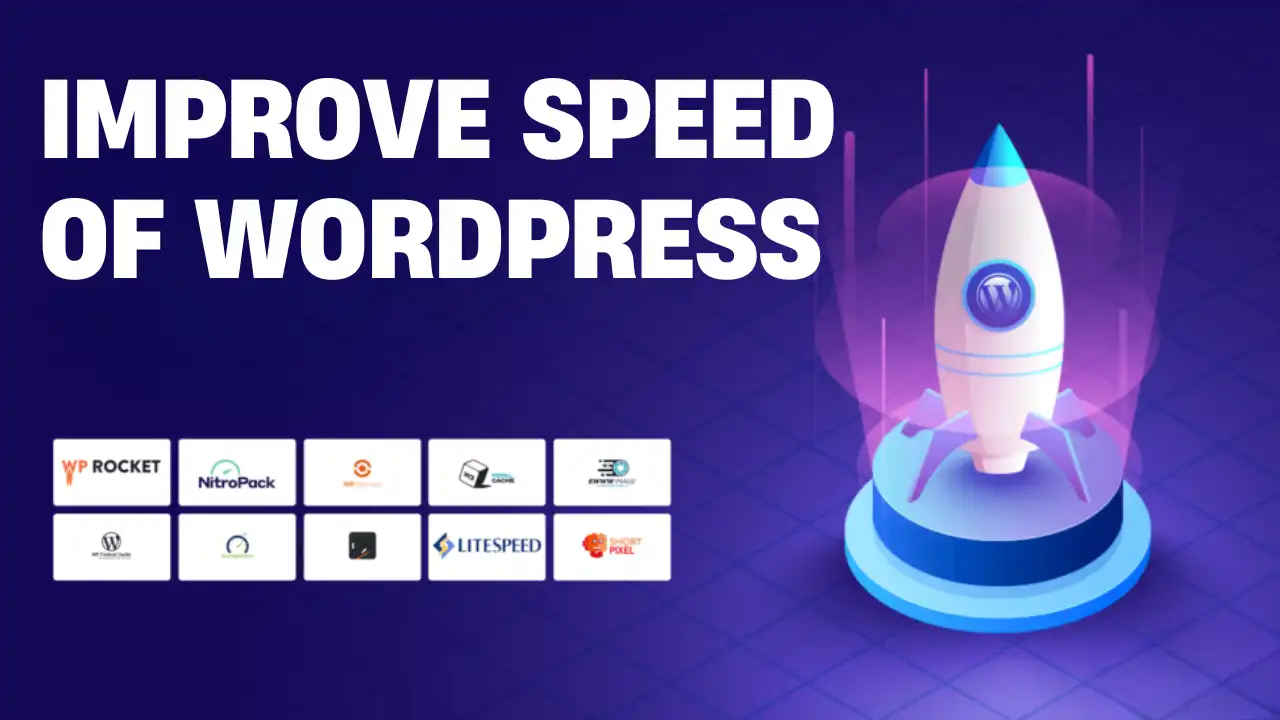
Performance plugins handle caching, asset optimization, and image compression. These plugins can significantly improve load times, but they are also the most commonly misused category.
Performance plugins work best when they solve one specific bottleneck. Installing multiple optimization plugins that overlap in functionality often leads to conflicts, broken layouts, or unpredictable behavior.
The Most Common Plugin Mistake: Installing Too Many
One of the most persistent myths about WordPress is that “more plugins make your site more powerful.” In reality, the opposite is often true.
Each plugin adds:
- Code execution
- Database queries
- Maintenance requirements
- Update risk
Slow WordPress sites are rarely slow because WordPress is bad. They are slow because the site is running too many plugins that do too little.
A healthy WordPress site usually runs fewer plugins than beginners expect, but each plugin serves a clear purpose.
How to Decide Whether You Actually Need a Plugin
Before installing any plugin, ask yourself three practical questions.
First, does this plugin solve a real problem you are currently experiencing, or are you installing it “just in case”?
Second, does it overlap with functionality you already have? Many plugins quietly duplicate features.
Third, what happens if you remove it later? Plugins that lock content or data formats can create long-term problems.
If you cannot answer these questions confidently, you probably do not need the plugin.
Plugins, Performance, and the Reality of Tradeoffs
Plugins can improve performance, but they can also degrade it if misused. A caching plugin can reduce server load dramatically. A poorly coded page builder plugin can undo those gains entirely.
Good plugins reduce work. Bad plugins add work.
This is why performance optimization is not about installing “the fastest plugin,” but about understanding how plugins interact with your theme, hosting, and content.
Maintenance Is Part of Using Plugins
Installing a plugin is not the end of the process. Plugins require updates, compatibility checks, and occasional replacements.
Outdated plugins are one of the most common causes of:
- Security vulnerabilities
- Site crashes
- Unexpected behavior after updates
If a plugin has not been updated in a long time, it is a liability — even if it still “works.”
When Professional Help Becomes the Smart Choice
Many site owners try to fix plugin problems by adding more plugins. This usually makes things worse.
Professional WordPress audits often improve performance by removing plugins, not adding them. A skilled review can identify which plugins are redundant, outdated, or harmful.
Hiring help is not about lack of skill. It is about efficiency. At scale, guessing becomes expensive.
Going Beyond the Basics Without Breaking Your Site
You do not need to be a developer to use plugins well. You do need to think strategically.
A strong WordPress site:
- Uses plugins intentionally
- Avoids overlap
- Prioritizes stability over novelty
- Regularly reviews what is installed
When plugins are treated as tools instead of shortcuts, WordPress becomes a scalable, reliable platform rather than a fragile system.
Final Thoughts: Plugins Are Power But With Responsibility
WordPress plugins are one of the platform’s greatest strengths, but only when used with care. They are not magic, and they are not harmless.
The difference between a fast, stable WordPress site and a broken one is rarely technical skill. It is understanding.
Use fewer plugins. Choose better ones. Maintain them properly.
That is how WordPress reaches its full potential.