

Creating an online store no longer requires a big budget, technical skills, or months of development. Today, anyone can create a free online store and start selling products or services with the right tools and setup.
At wpfixs.com, we help businesses launch and optimize WordPress and WooCommerce stores every day. Based on real-world implementations, this guide explains how to create a free online store, what “free” actually means, and how to scale later without hurting SEO or performance.
Whether you’re a beginner, start-up founder, or small business owner, this guide will help you get started the right way.
What Does “Free Online Store” Really Mean?
Before starting, it’s important to set expectations.
A free online store usually means:
- No platform licensing fees
- Free software (open-source)
- Optional paid upgrades as you grow
You may still need:
- Hosting (low-cost or trial-based)
- Domain name (optional at start)
- Plugins or themes (many free options available)
The goal is to start selling with minimal upfront cost and scale later when revenue grows.
Best Platform to Create a Free Online Store
For most users, WordPress + WooCommerce is the best solution to create a free online store.
Why WooCommerce?
- Free and open-source
- Full ownership of your store
- SEO-friendly architecture
- Thousands of free plugins
- Scales from 1 product to 10,000+
- No forced transaction fees
👉 This is also why many beginners start with WordPress (explained in detail in our guide on why WordPress is best for start-ups).
Step 1: Choose a Free Store Platform
You have three common options:
Option 1: WordPress + WooCommerce (Recommended)
- Best long-term flexibility
- Ideal for SEO and content-driven growth
- Free plugins available for payments, shipping, and SEO
Option 2: Hosted Store Builders (Limited Free Plans)
- Easy setup
- Limited customization
- Platform lock-in
- Often charge transaction fees
Option 3: Social Media Shops
- Fast setup
- Limited control
- Not ideal for long-term branding or SEO
Verdict:
If you want control, growth, and SEO → WooCommerce wins
Step 2: Get Free or Low-Cost Hosting
To run WordPress, you’ll need hosting.
Beginner-friendly options:
- Free hosting (limited features)
- Low-cost shared hosting
- Hosting with 1-click WordPress install
💡 Tip: Choose hosting that supports:
- PHP updates
- SSL certificates
- Good page speed
Hosting quality directly impacts store speed and Google rankings.
Step 3: Install WordPress and WooCommerce
Once hosting is ready:
- Install WordPress
- Go to Plugins → Add New
- Search for WooCommerce
- Install and activate
WooCommerce will guide you through:
- Store location
- Currency
- Payment methods
- Shipping setup
No coding required.
Step 4: Add Products to Your Store
You can sell:
- Physical products
- Digital downloads
- Services
- Subscriptions
For each product, you can:
- Add images
- Set prices
- Write descriptions
- Manage inventory
- Optimize for SEO
Well-written product descriptions also help your store rank better in Google.
Step 5: Choose a Free WooCommerce Theme
A good theme affects:
- User experience
- Mobile responsiveness
- Conversion rates
- Site speed
Look for themes that are:
- Lightweight
- Mobile-friendly
- WooCommerce-compatible
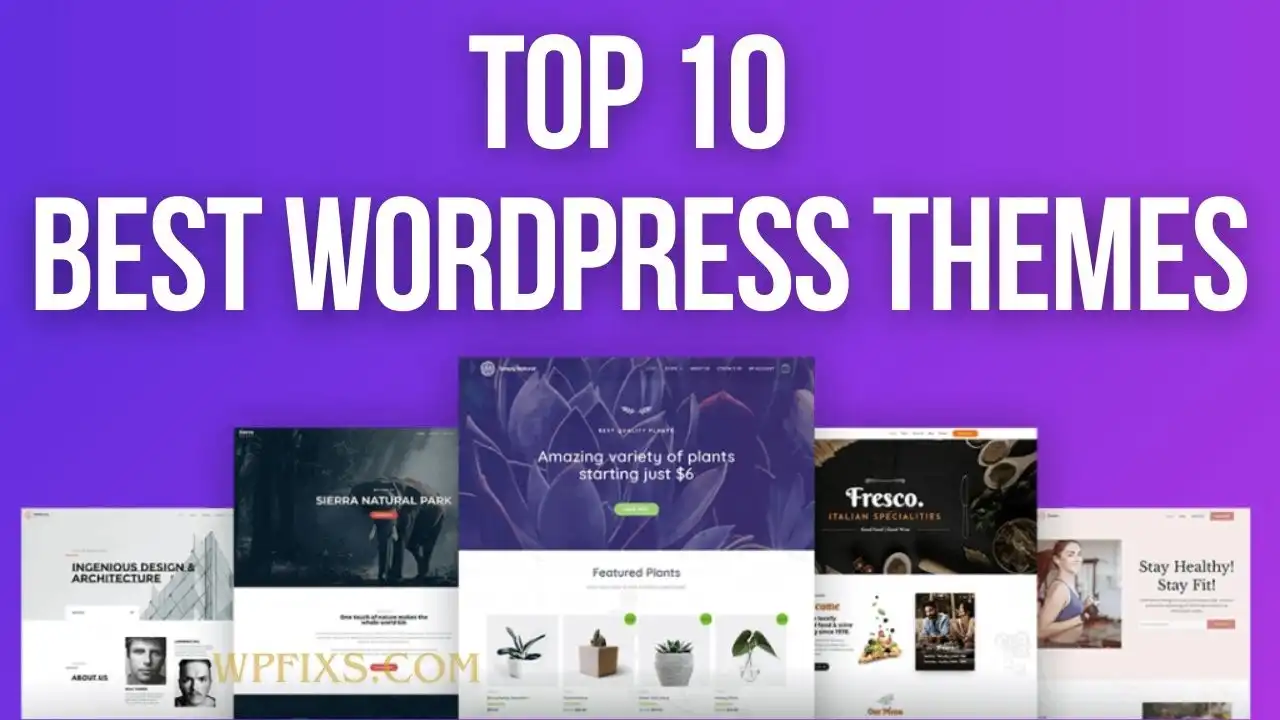
👉 You can explore themes that make content and product management effortless in our WordPress theme guide.
Step 6: Enable Payments (Free Options)
WooCommerce supports free payment gateways like:
- PayPal
- Stripe
- Cash on Delivery
- Bank Transfer
These gateways:
- Have no setup fees
- Charge only transaction fees
- Are trusted by customers
You can activate them directly from WooCommerce settings.
Step 7: Optimize Your Store for SEO
SEO is critical for free traffic.
Your store should allow:
- SEO-friendly URLs
- Meta title & description editing
- Image ALT text
- Internal linking
- Fast loading pages
👉 To improve visibility, check our guide on free WordPress SEO plugins to rank higher.
SEO allows your free store to compete with paid platforms long-term.
Step 8: Make Your Store Mobile-Friendly
Most online shoppers use mobile devices.
Ensure:
- Responsive design
- Fast mobile loading
- Easy checkout flow
👉 You can enhance mobile usability using free WordPress mobile plugins.
Google also uses mobile-first indexing, so this step matters for rankings.
Step 9: Secure and Maintain Your Store
Even free stores need security.
Make sure your store:
- Uses SSL
- Gets regular updates
- Has backups
- Uses basic security plugins
Security issues can:
- Break your site
- Harm SEO
- Reduce customer trust
Can You Scale a Free Online Store Later?
Yes — and that’s the biggest advantage of WordPress + WooCommerce.
You can later:
- Upgrade hosting
- Add premium plugins
- Improve speed
- Add advanced features
- Expand product catalog
👉 If performance becomes an issue, we also cover how to optimize WordPress website speed using plugins.
Common Mistakes to Avoid
- Choosing closed platforms with lock-in
- Ignoring SEO from day one
- Using heavy themes
- Skipping backups
- Not planning for growth
Starting correctly saves time and money later.
Final Thoughts: Is Creating a Free Online Store Worth It?
Absolutely.
Creating a free online store is one of the smartest ways to:
- Test an idea
- Launch a start-up
- Start selling online
- Build traffic and brand
With the right CMS, plugins, and setup, you can build a store that starts free and grows profitably.
If you want expert help launching, optimizing, or scaling your store, wpfixs.com offers professional WordPress, WooCommerce, SEO, and performance solutions tailored for growth.